
How to Install, Activate & Use Boost for AppSheet
This video shows the steps for installing, activating, and using the Boost for AppSheet Chrome extension. If you prefer reading, they're also listed below.
Install the extension
To install the extension, go to this page on the Chrome Web Store and click the "Add to Chrome" button.

Activate the extension
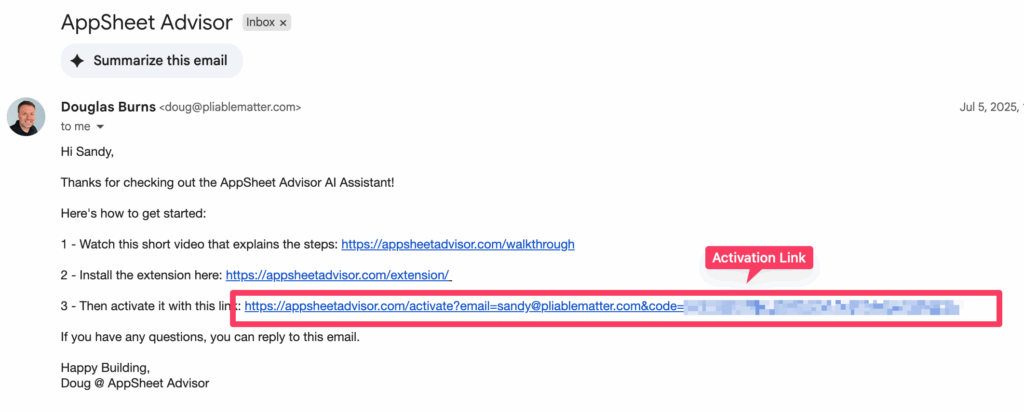
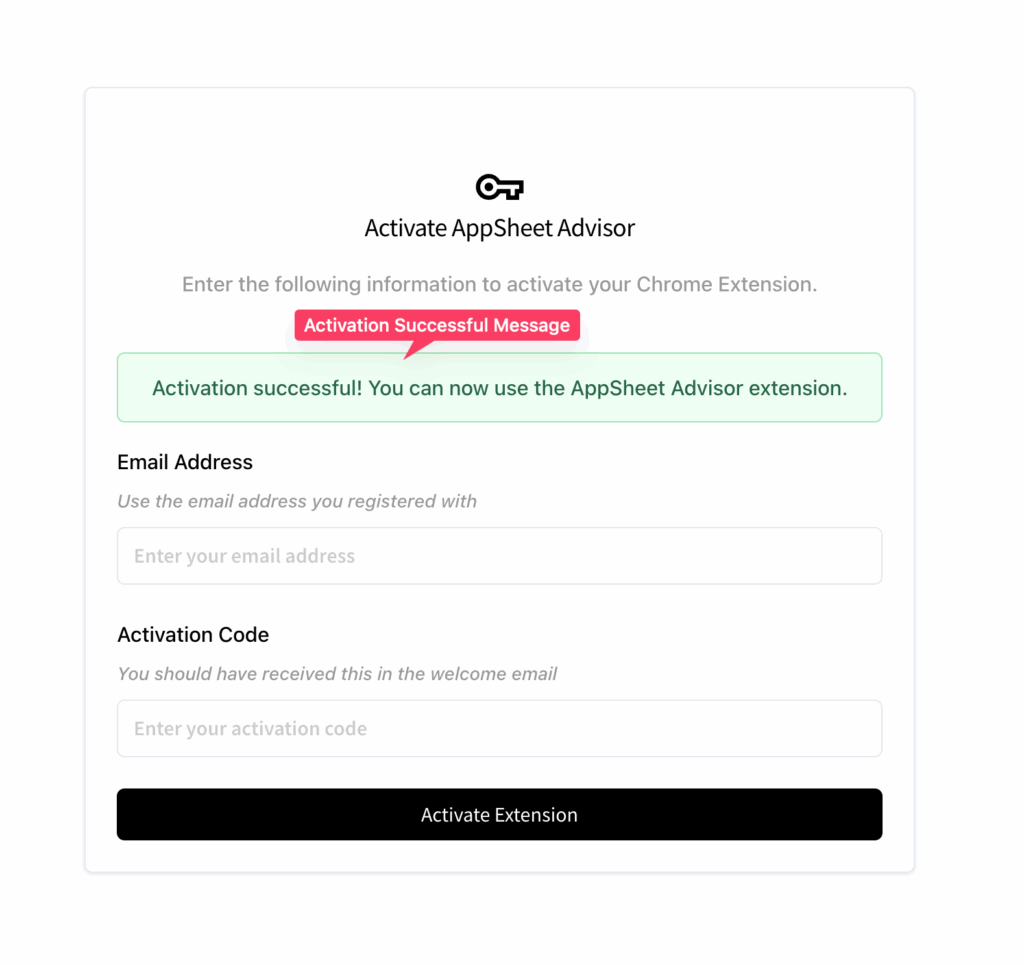
Click the activation link in your welcome email. Your activation info should be added automatically when the activation page loads. To complete activation, click the "Activate" button and check that you see the "Activation Successful" message. Note: you'll need to be on your computer (not your phone), and you'll need the latest version of the extension installed.
Can't find your welcome email? Contact us and we'll send it again.
Use the extension
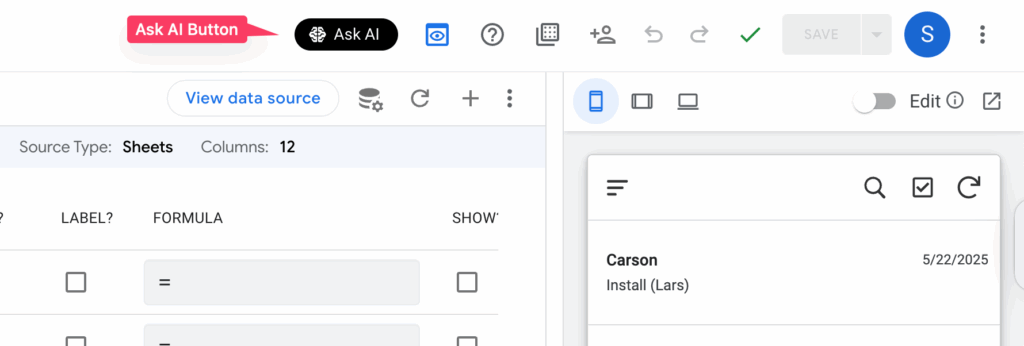
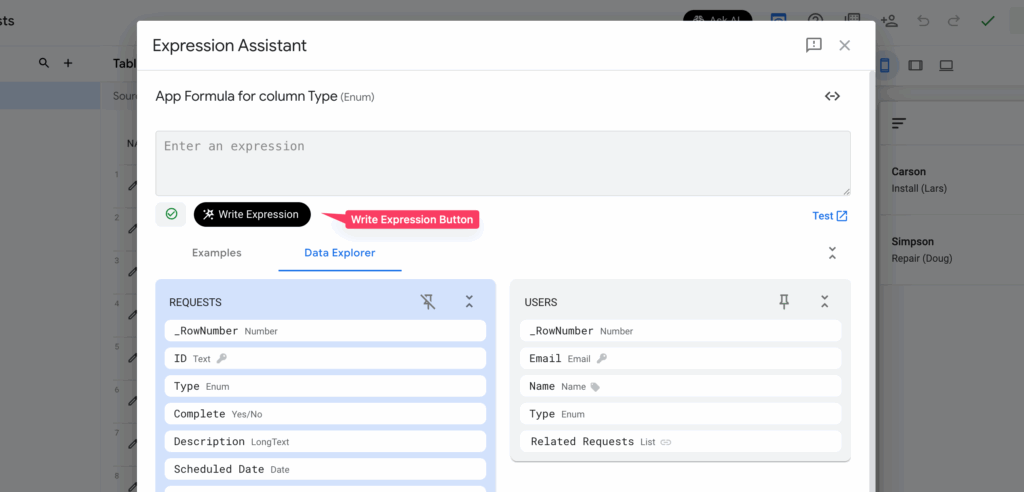
The extension is available right in the AppSheet editor, through the black Ask AI and Write Expression buttons.
Ask AI
Ask AI appears in the AppSheet toolbar. It's a chatbot like ChatGPT or Gemini, but it's AppSheet-specific and it understands the details of your app. To get started, just ask it a question or tell it what you're trying to do.
Write Expression
Write Expression appears in the AppSheet Expression Assistant (the window that opens whenever you click a field that accepts an expression). It writes an expression from a plain-English description of what you want. Like Ask AI, it understands the details of your app, so you can reference specific tables, columns, and so on. Just tell it what you want, and if it needs more info, it will ask.
Close the overlay
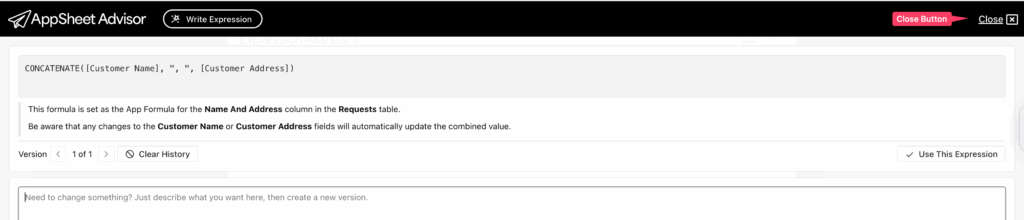
When the extension overlay is open, it covers the AppSheet editor. To close it and get back to AppSheet, click Close in the upper right corner.
Need help?
If you have any questions or need help, please contact us.